Start here
The basics, and your first card.
How to
Cardkept in five minutes
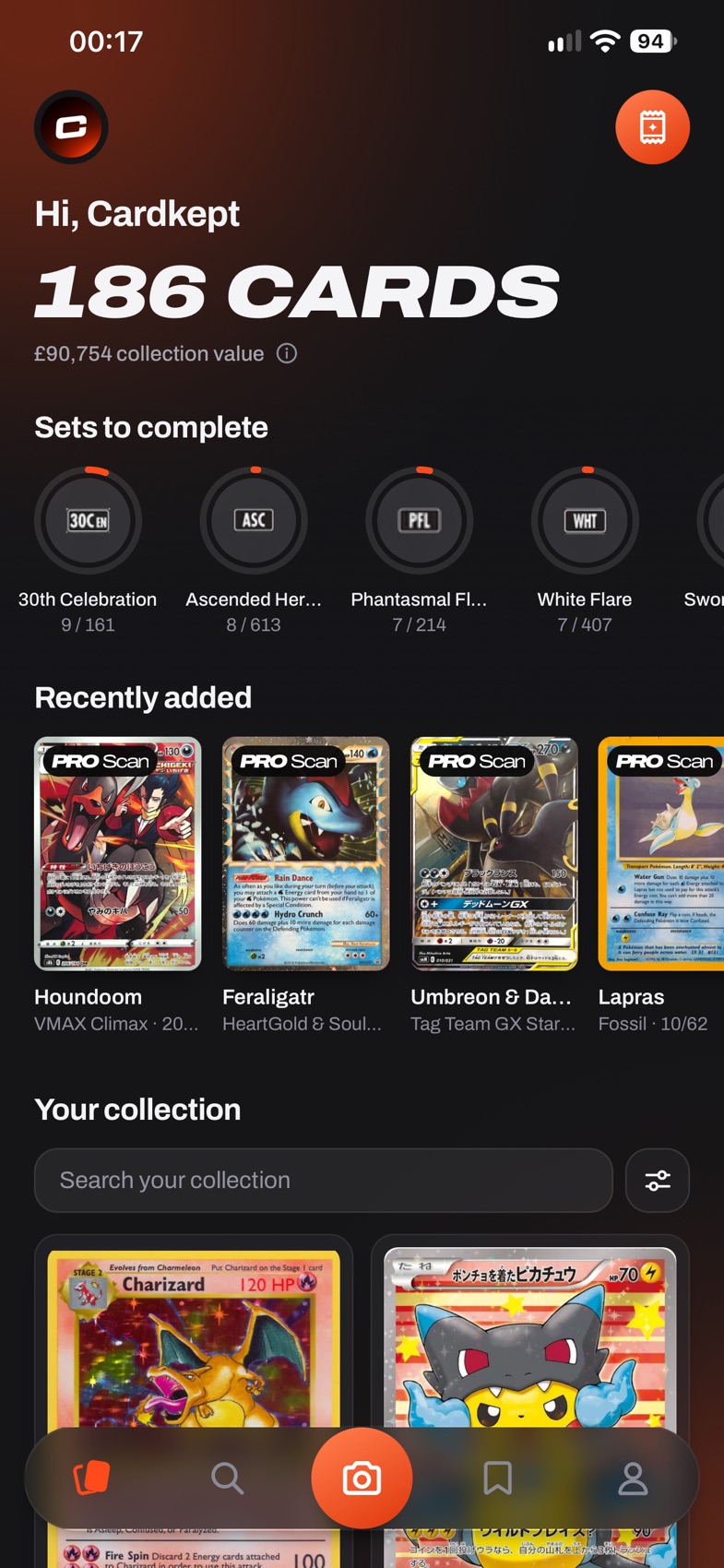
A quick tour of the five buttons along the bottom of the screen.
- Collection (first icon) is everything you own.
- Search (second icon) finds any card, and adds it to your collection with one tap.
- The orange camera button in the middle scans cards: ID scan to add them, PRO Scan to turn one of yours into a 3D card.
- Wishlists (fourth icon) are your lists of cards you still want.
- Me (last icon) holds your profile, About me, Friends, your storage places, Personalization, Help and FAQs.
Good to know
- Each tab keeps its own place, so you can switch between them without losing where you were.
Create your account
- Open Cardkept and tap Get started. After a short tour you can PRO Scan your favorite card, or tap Skip.
- Type your name if you like, choose your @handle, then your email and a password twice: at least 10 characters, with an upper case letter, a lower case letter and a number.
- Tap Create account, and you’re in. A card you scanned is already in your collection.
Add your first card

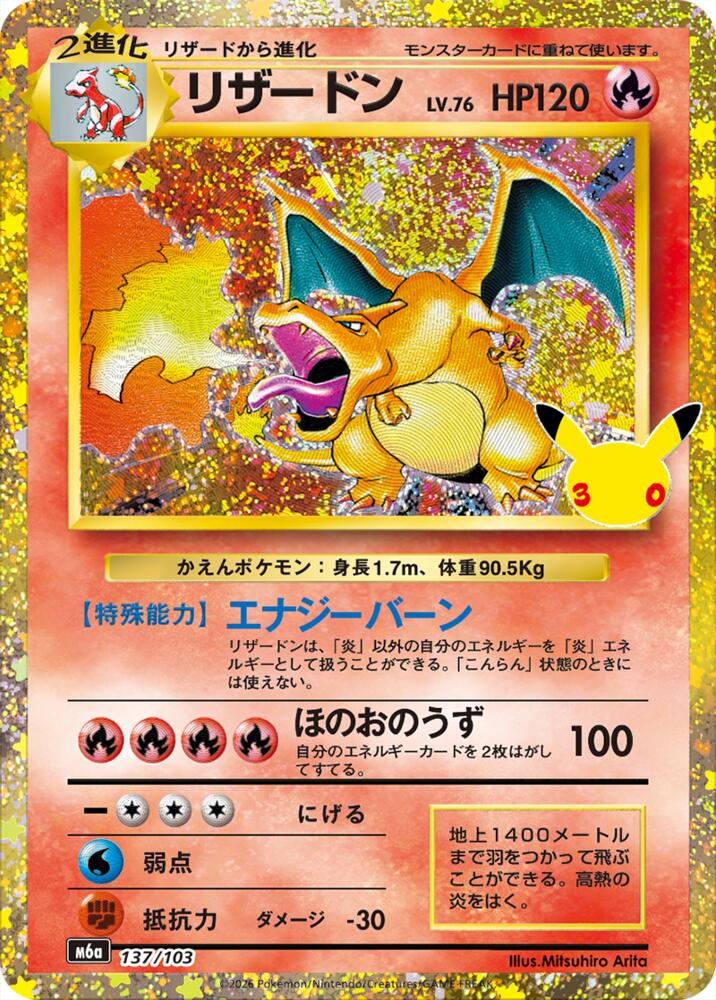
The quickest way in, if you just want a card in your collection.
- Tap Search and type a name, a set or a number, like Umbreon 215.
- Tap the round orange on the card you own. It works in a set and on an artist’s cards too.
Good to know
- It is saved as a raw Near Mint card you got today. Open it from Collection to change the condition, add a grade, a price paid or where you keep it.
- If the card comes in more than one version (holo and reverse holo, say), you pick which one first.
- Got a pile of cards? ID scan adds them from photos, without searching.
Questions
What is Cardkept?
A place to keep track of the Pokémon cards you own (each physical card, its condition, where it lives and the story of how you got it) and the cards you’re hunting for. It’s a tracker, not a marketplace: there’s no buying or selling in the app.
Is Cardkept free?
Yes. A free account keeps your whole collection and each copy’s story, with 30 ID scans a month, 5 PRO Scans to start and then 1 a month, pack openings for 3 sets and 3 wishlists. Cardkept Pro, a monthly or yearly subscription, is for collectors who want more: unlimited PRO Scans, ID scans under fair use, slab scanning, several cards in one photo, pack openings for every set, unlimited wishlists, achievements, collection export, Home Screen widgets, color themes and a choice of app icons. Its price is shown in the app, in Me, then Cardkept Pro. Stop Pro and you keep everything you added.
Is Cardkept on Android?
Not yet. Cardkept comes to iPhone first, and Android follows in a later release.
Does the app work without signal?
Not fully. Collection opens straight away from a saved copy on your phone, but fresh data, prices and saving changes need a connection. If you lose signal, what’s already on screen stays there. Full offline use is planned for a later update.